
OpenTTD
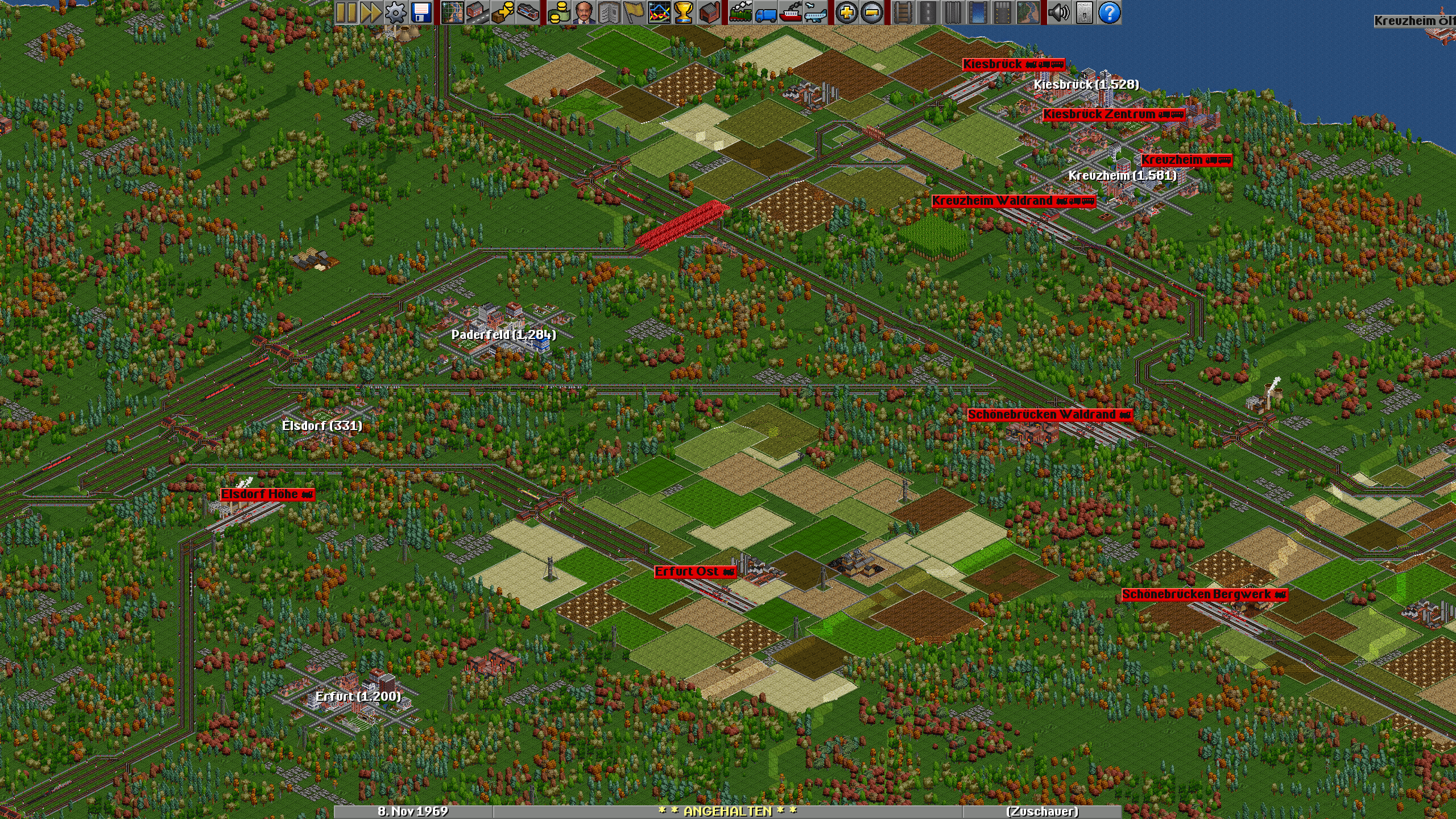
OpenTTD is an open source simulation game based upon the popular Microprose game "Transport Tycoon Deluxe", written by Chris Sawyer. It attempts to mimic the original game as closely as possible while extending it with new features.
OpenTTD is available from the repositories:
pacman -S openttd
While a retail version of the game is not necessary to play, OpenTTD can make use of original game files for graphics, sound and music. Simply place the game files into the ~/.local/share/openttd/baseset directory and the game will pick them up.
Additionally, there's open source graphics, sounds and music available from the repositories and the AUR:
yay -S openttd-open{gfx,sfx,msx}
Music
OpenTTD's music is in MIDI format, which requires a software synthesizer to listen to it. By default, OpenTTD will use FluidSynth with the FluidR3 soundfont. Since this soundfont is neither required explicitly nor optionally by either OpenTTD or FluidSynth it needs to be installed manually:
pacman -S soundfont-fluid
If you want to use a different soundfont you can set up the OpenTTD music driver in the config file to use a non-default one, e.g. a soundfont that mimics the sound of the popular OPL3 chip from the 90s:
yay -S soundfont-opl3-fm-128m
Open ~/.config/openttd/openttd.cfg and modify the musicdriver setting in the [misc] section:
[misc]
...
musicdriver = "fluidsynth:soundfont=/usr/share/soundfonts/OPL-3_FM_128M.sf2"
High Resolution Graphics
OpenTTD has support for high resolution graphic packs. One such pack is OpenGFX2, which comes in both standard and high resolution variants. The high resolution pack is still a work in progress but already shows nice improvements at 4x zoom.
The high resolution pack needs to be downloaded manually from the GitHub releases page. Copy the downloaded OpenGFX2_HighDef-x.y.z.tar file to ~/.local/share/openttd/content_download/baseset and select the pack from the in-game options.
Recommended Settings
There are some game settings that make OpenTTD a more enjoyable experience. Go to the game options, select the "Advanced" tab and change the following:
- Graphics
- Thickness of lines in graphs: 5
- Interface
- Construction
- Link landscape toolsbar to rail/road/water/airport toolbars: On
- Default rail type (after new game/game load): Last available
- Automatically remove signals during rail construction: On
- Show the cargoes the vehicles can carry in the list windows: On
- Construction
- News/Advisors
- Changes to cargo acceptance: Off
- Arrival of first vehicle at player's station: Off
- Arrival of first vehicle at competitor's station: Off
- Show finances windows at the end of the year: Off
- Closing of industries: Off
- Limitations
- Allow level crossings with roads or rails owned by competitors: Off
- Environment
- Time
- Automatically pause when starting a new game: On
- Towns
- Towns are allowed to build level crossings: Off
- Road layout for new towns: 3x3 grid
- Industries
- Manual primary industry construction method: Prospecting
- Time