
ioquake3
ATTENTION: A legitimate copy of the game is required to play!
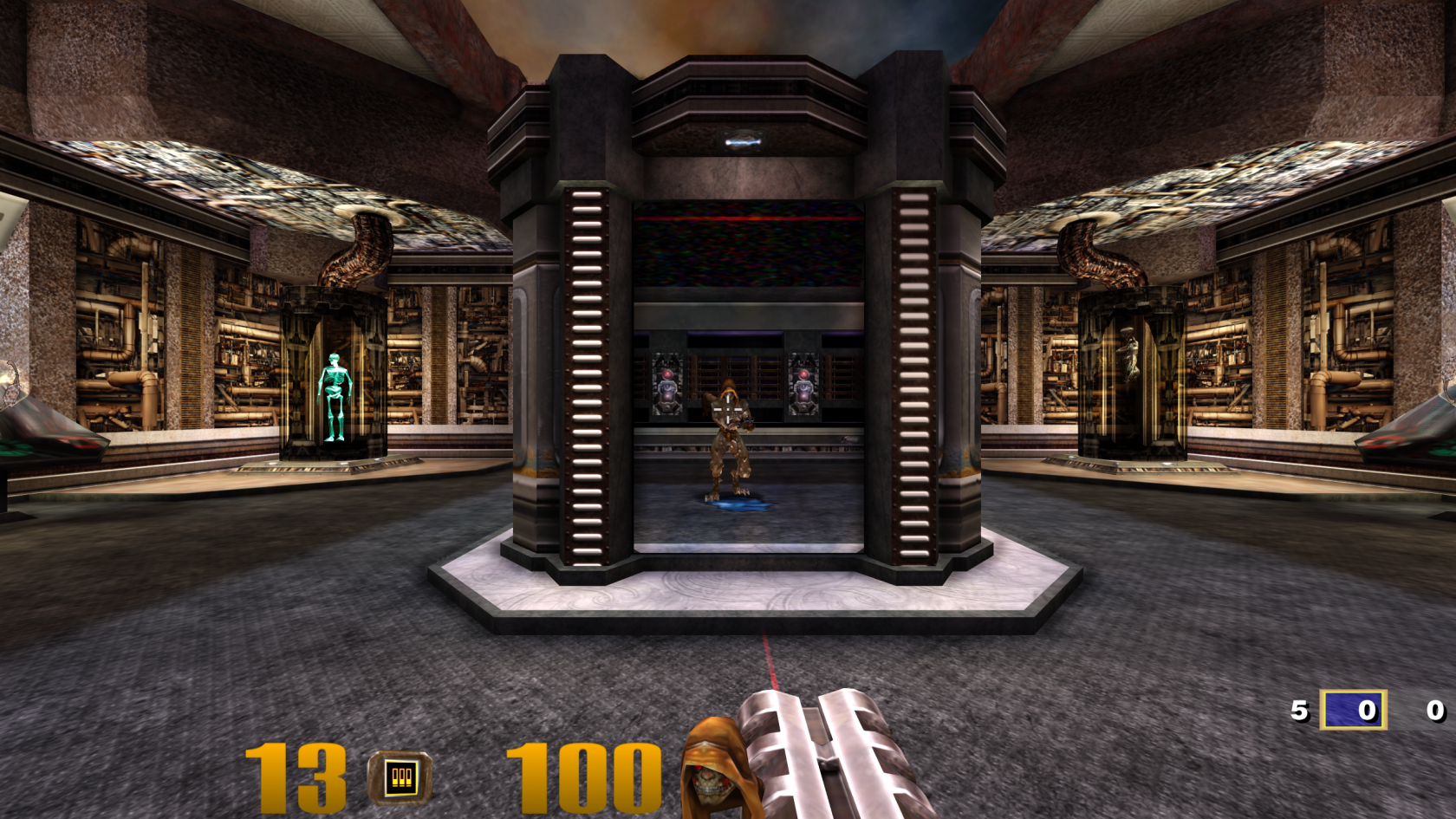
ioquake3 is a free and open source first person shooter engine based on the Quake III: Arena and Quake III: Team Arena source code.
ioquake3 is available from the AUR:
yay -S ioquake3
If you don't want to compile the game every time there's an update, the Flatpak version is available:
flatpak install org.ioquake3.ioquake3
Game assets
ioquake3 requires the original Quake III: Arena game files in order to function, mainly the file pak0.pk3 from Steam, GOG or the retail CD release.
| Install method | Directory |
|---|---|
| Single user | ~/.q3a/baseq3/ |
| System-wide | /opt/quake3/baseq3/ |
| Flatpak | ~/.var/app/org.ioquake3.ioquake3/data/q3a/baseq3 |
Next, grab the patch data from the ioquake3 website and copy the contents into the baseq3 directory as well, so it has pak0.pk3 through pak8.pk3.
Settings
Once the game files are installed, start the game once, accept an empty CD key and exit out again. This will make the game create a config file in your home directory that you can edit to enable higher resolutions.
Open baseq3/q3config.cfg and edit the following values:
seta cg_fov         "120"  // Field of view
seta com_maxfps     "125"  // Optimal `125`, `200` or `333`
seta cl_maxpackets  "125"  // Same as `com_maxfps` or half
seta r_mode         "-1"   // Resolution mode, `-1` = custom
seta r_customwidth  "2560" // Custom resolution width
seta r_customheight "1440" // Custom resolution height
A lot more configuration options are explained here (optional).
High resolution textures & widescreen fix (optional, but recommended)
There exist mods to enhance a few aspects of the game:
Put the .pk3 files from these downloads next to the others in your baseq3 directory.
These will make the game play nicely with modern graphics and updates the settings menu to allow you to set proper resolutions for HD displays.