
CorsixTH
ATTENTION: A legitimate copy of the game is required to play!
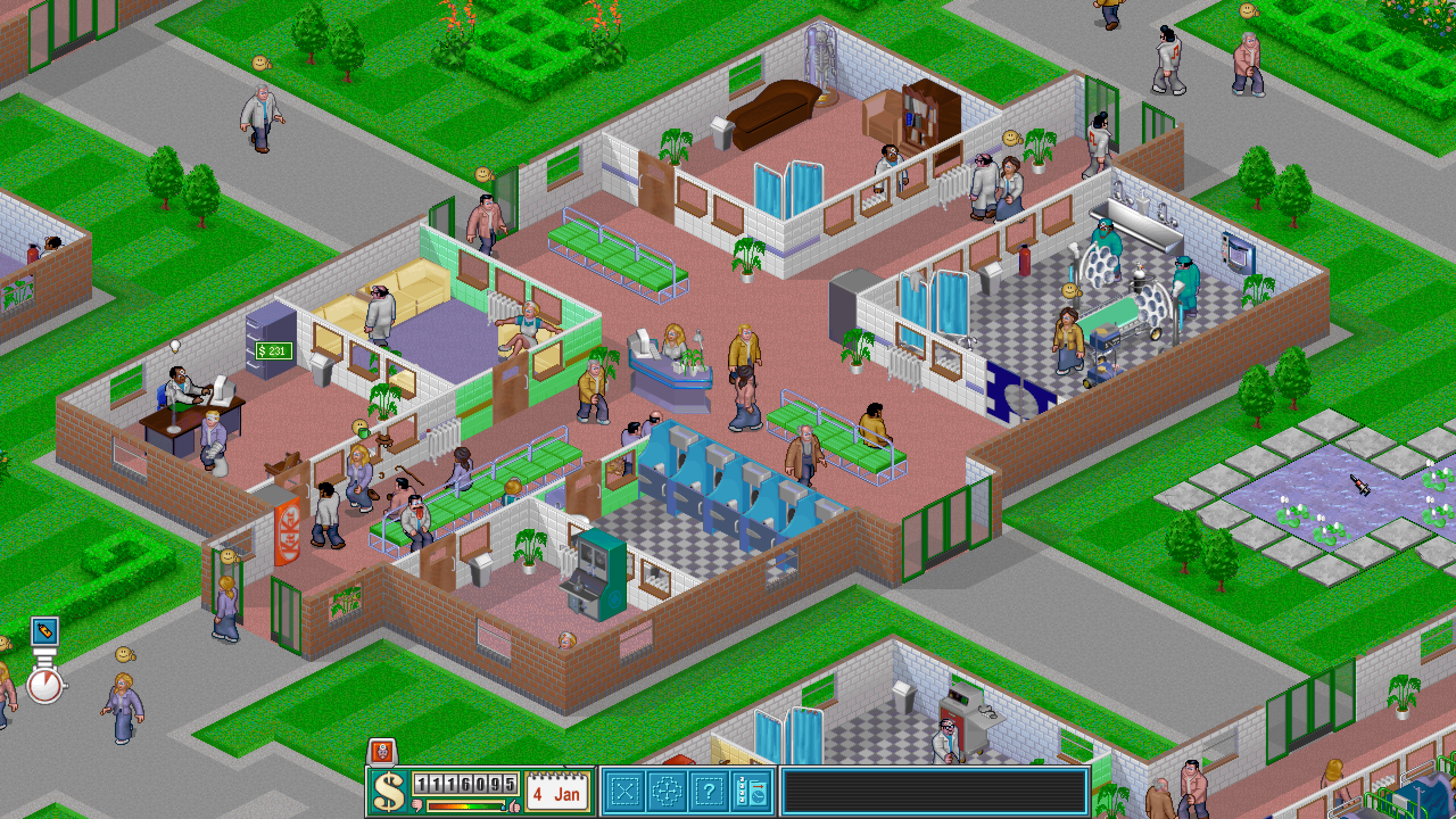
CorsixTH aims to re-implement the game engine of Theme Hospital with support for modern operating systems and several bug fixes and quality of life improvements to the game.
yay -S corsix-th innoextract
If you have the original retail CD version, copy the HOSP folder to your hard drive. Upon first start, CorsixTH will prompt you to point it to the data file directory
If you have the GOG version, go to your library, hover over the Theme Hospital entry, click the arrow that appears and choose Download offline backup game installers. Extract the installer with innoextract:
innoextract setup_theme_hospital_v3_\(28027\).exe \
  -d ~/Games/HOSP \
  -I ANIMS \
  -I DATA \
  -I DATAM \
  -I INTRO \
  -I LEVELS \
  -I QDATA \
  -I QDATAM \
  -I SOUND \
  -I CONNECT.BAT \
  -I DOS4GW.EXE \
  -I HOSPITAL.CFG \
  -I HOSPITAL.EXE \
  -I manual.pdf \
  -I MODEM.INI \
  -I NETPLAY.TXT \
  -I README.TXT \
This will extract only necessary files (excluding the extra GOG files) to ~/Games/HOSP. Either point the game to this path or move it to somewhere else that's more to your liking.
For more detailed instructions see the CorsixTH Github Wiki.
Music
CorsixTH allows for external high quality music files to play instead of the MIDI soundtrack.
There is a remixed version of the Theme Hospital soundtrack on YouTube by Krytie2X4B with a link to the soundtrack in OGG format on Dropbox.
Extract the files to a location of your choosing and point the game to it from the in-game settings.