
Minecraft
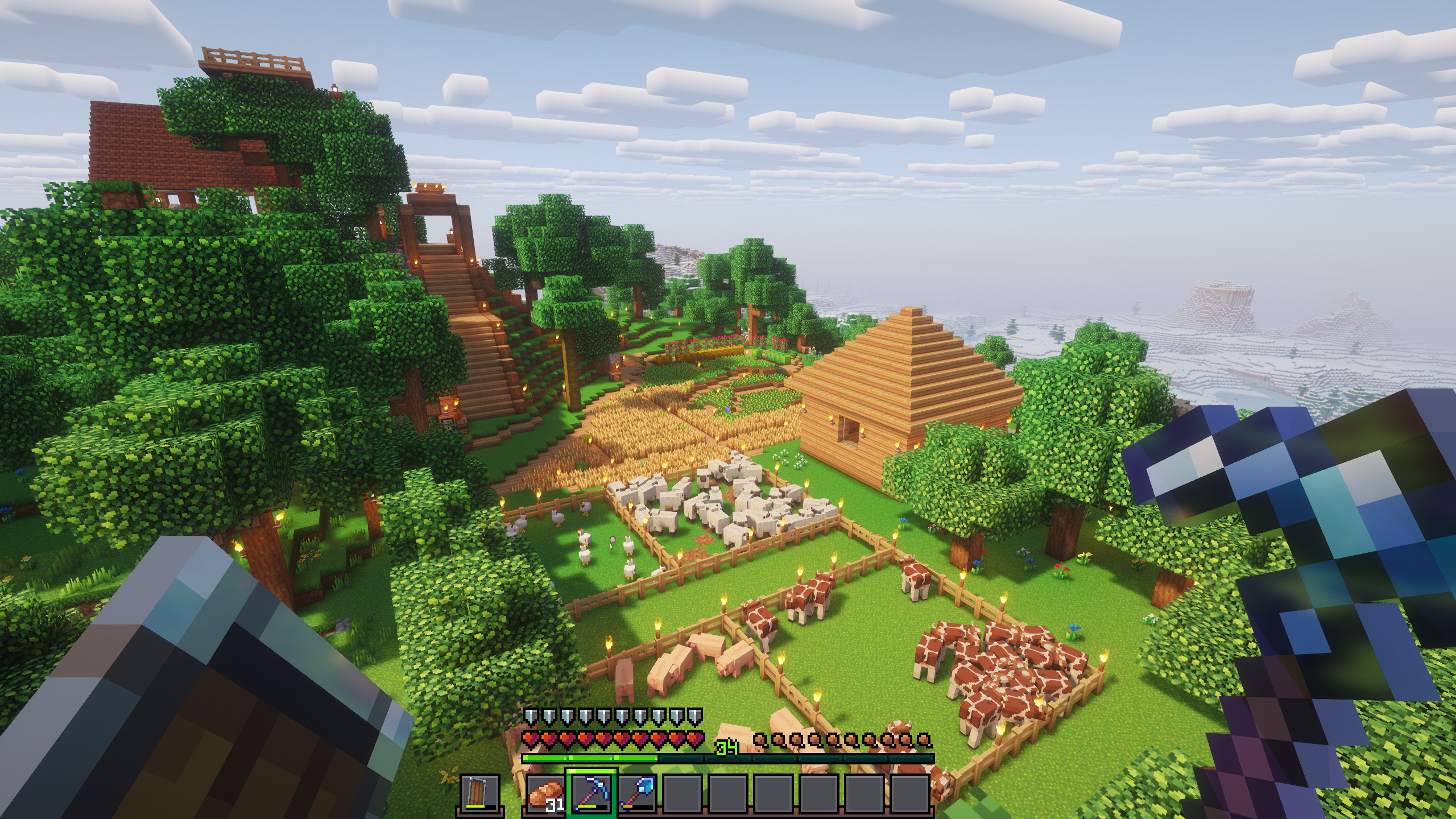
Minecraft is a sandbox game originally released by Mojang. It lets players explore, build, and survive in a procedurally generated world made up of blocks. The game is open ended with no set goals. It can be played in single player or enjoyed with friends in online multiplayer mode.
The officialmost straightforward way to install Minecraft Launcheris packageto maintaineduse bythe Microsoft:official launcher from the AUR:
yay -S minecraft-launcher
You will need a Microsoft Account to log into the launcher. Game updates will be handled automatically throught the launcher.
Modding
A vibrant community has formed around Minecraft, developing mods and enhancements for the game. However, installing these mods manually can sometimes be a tedious process. That’s why there are special launchers designed to greatly simplify this process.
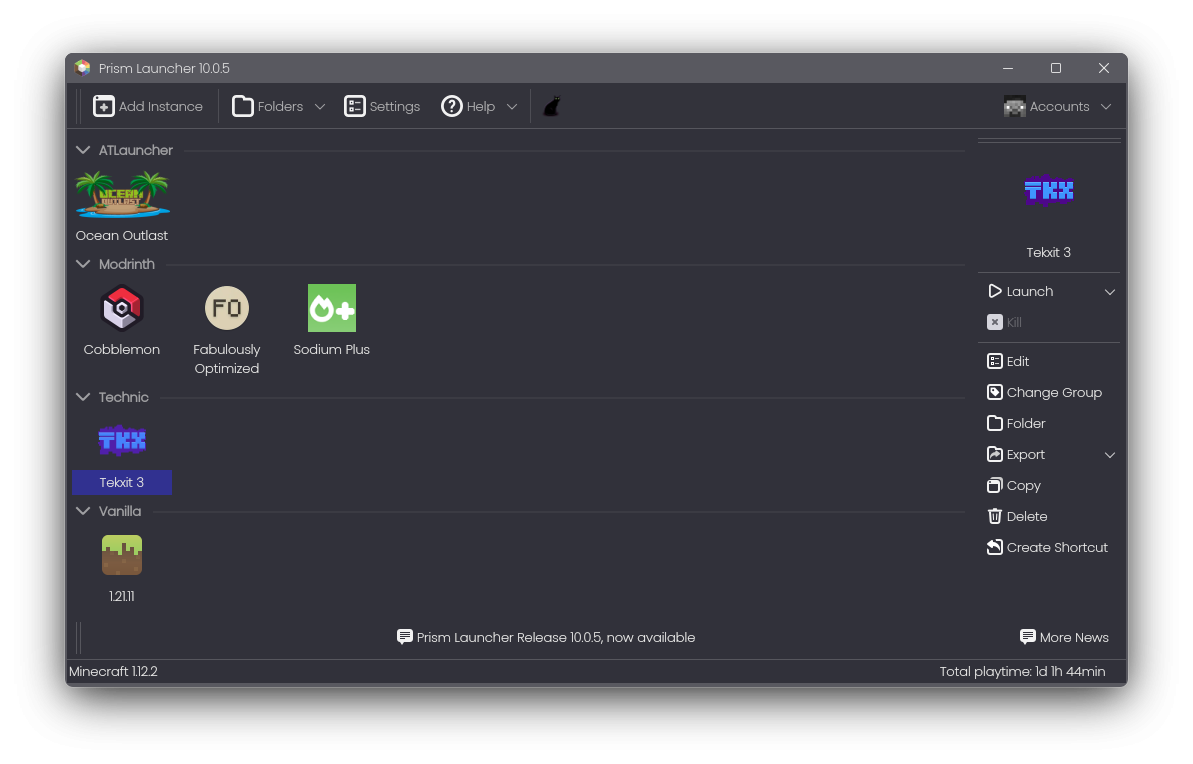
One of these is Prism Launcher. It has native integration with Modrinth and CurseForge to install and keep individual mods or entire modpacks up to date alongside the game itself. Prism Launcher also allows you to run multiple instances of Minecraft simultaneously, for example, to use different modpacks at the same time for online multiplayer servers that require this.
Prism Launcher is available from the repositories:
sudo pacman -S prismlauncher
WARNING: There have been malware reports in the past involving certain mods and modpacks. The Flatpak version of Prism Launcher can prevent some (but not all) malware exploits through the Flatpak sandbox:
flatpak install org.prismlauncher.PrismLauncherClick "Add Instance" in the toolbar to get started. Choose a vanilla version of Minecraft or install a pre-defined modpack from the mod provider of your choice. Instances can be further customized after installation.
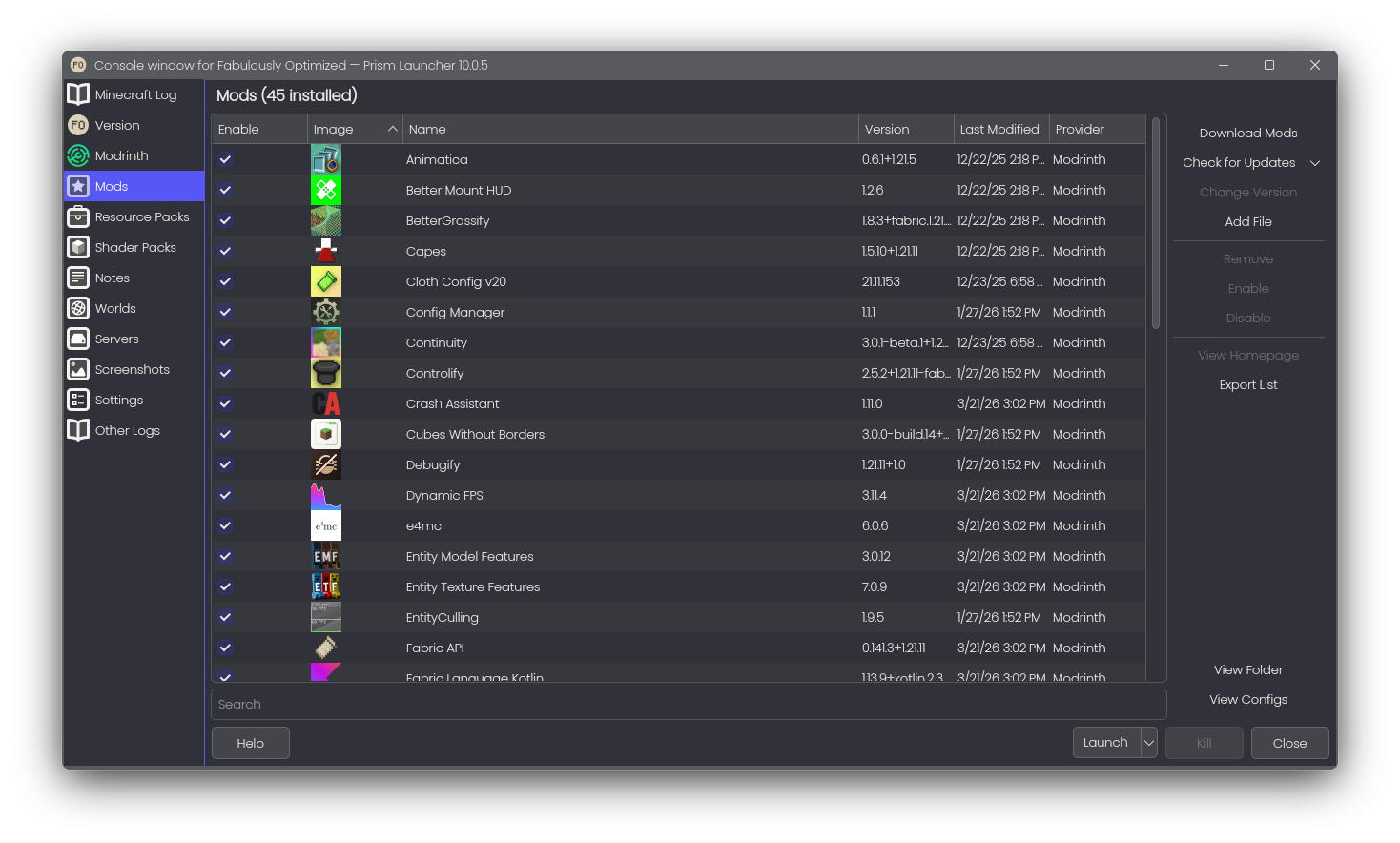
In the edit window of an instance you can add mods, resource and shader packs, pre-populate the server list, manage screenshots and override global settings, such as game configuration, Java runtime and other advanced settings.