
Playing/Ripping Blu-Rays
Ripping
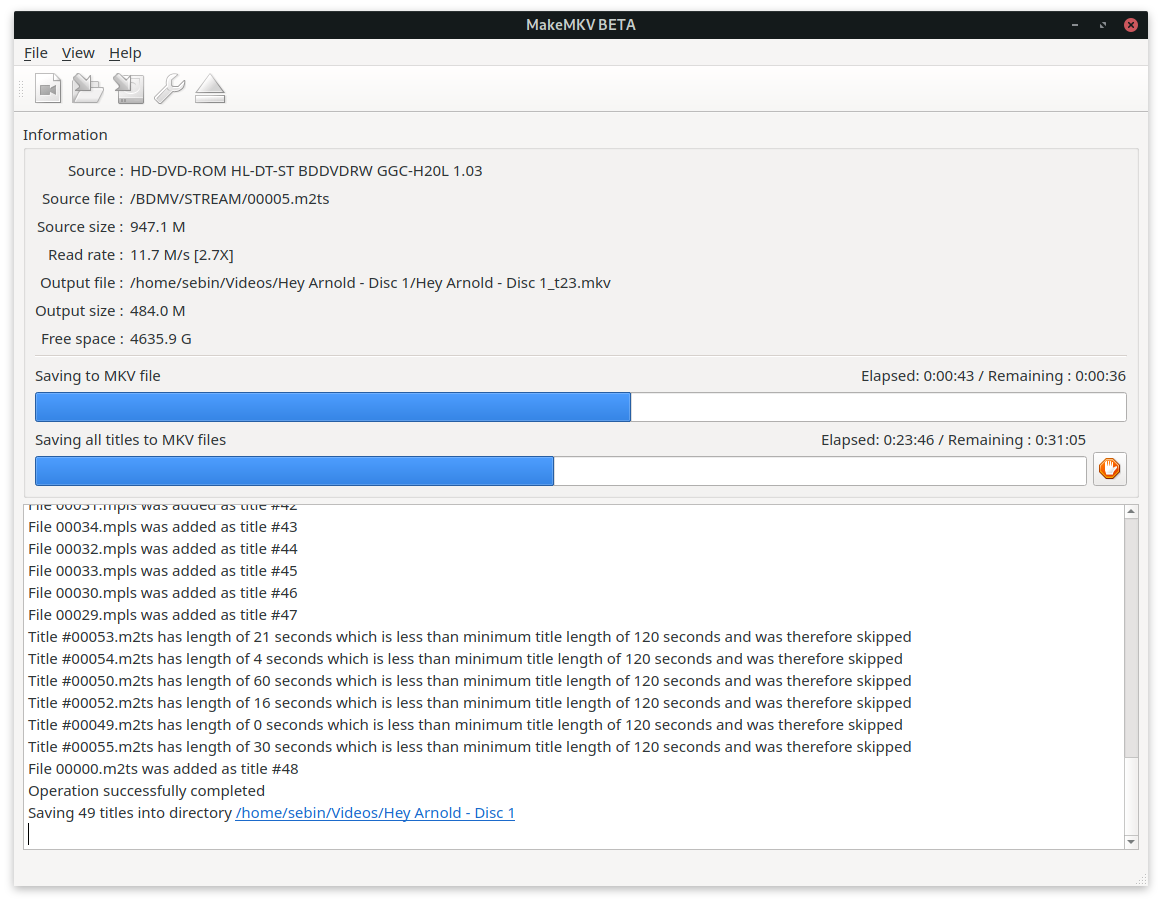
In order to rip Blu-Rays MakeMKV needs to be installed (via AUR):
pamac build makemkv
Additionally, load the sg (SCSI generic (sg) driver) kernel module, if it has not been loaded previously, or MakeMKV may not recognize the drive:
sudo modprobe sg
Playback
In order play Blu-Rays the following packages need to be installed:
sudo pacman -S libbluray libaacs
Additionally, a KEYDB.cfg file is needed. Download it from: http://fvonline-db.bplaced.net/
Extract the ZIP to ~/.config/aacs/:
unzip keydb_eng.zip -d ~/.config/aacs/
Note: Tools expect the
KEYDB.cfg in upper-case! The file in the ZIP may be lower-case.unzip keydb_eng.zip -d ~/.config/aacs/
After that use any Blu-Ray capable playback software, e.g. vlc bluray:///dev/sr0 to play back Blu-Rays